
In this article, we'll explain how Perform administrators create global objectives. Where individual team members have their own objectives that outline their personal goals, the company sets global objectives that define overarching organisational goals. Any individual objective can be connected to a global objective, highlighting each person's role in the big picture.
- Only Perform administrators can create global objectives
- Anyone can connect their objective to a global objective
- An objective can be connected to one global objective only
Steps to create a global objective
- Select Global objectives from the Perform administration menu:
-
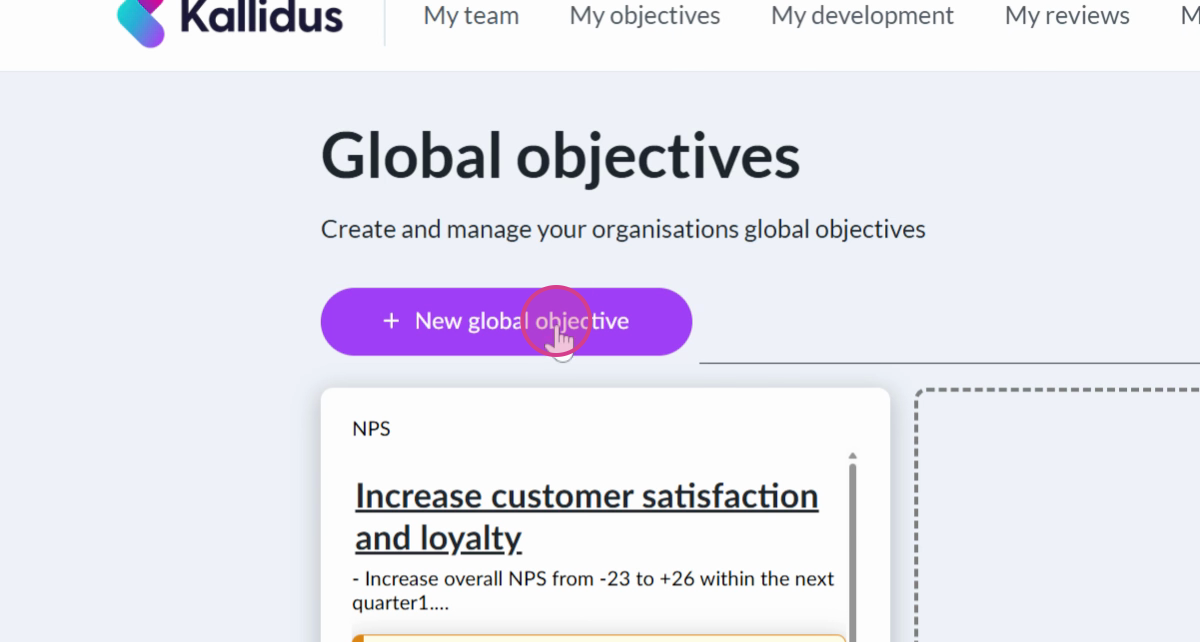
Select New global objective:
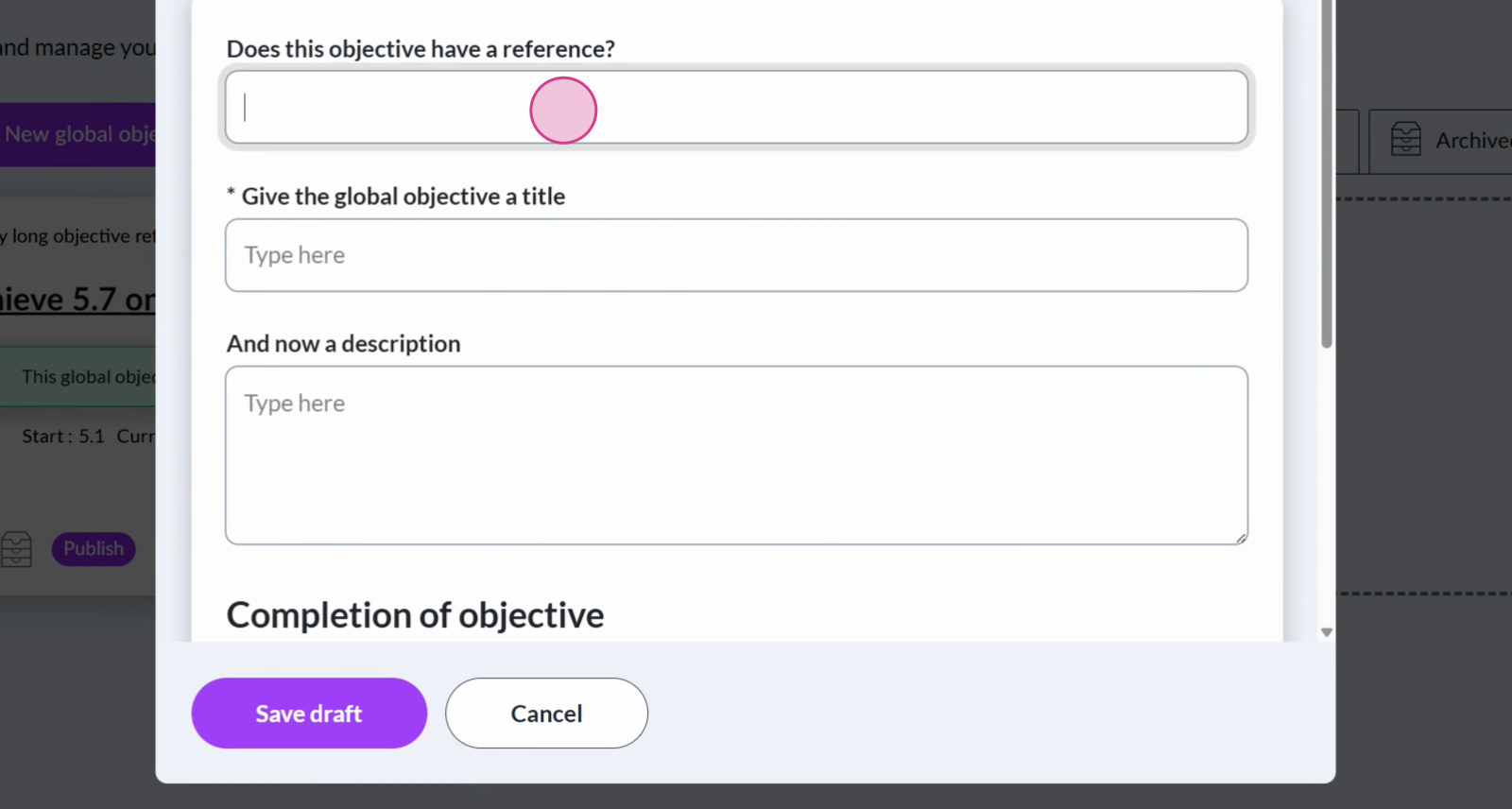
- Provide a reference, a title, and a description for your global objective:
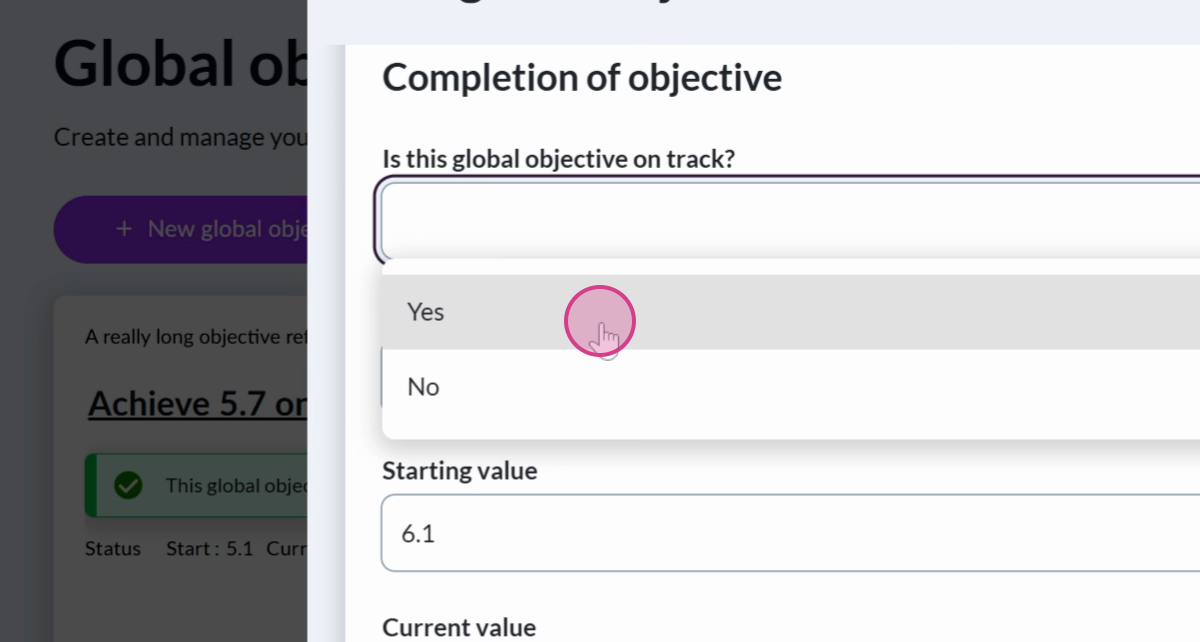
- In the next section, define the metrics that will determine the completion of this objective, and update the current progress. First, make a selection from the menu Is this global objective on track?:
-
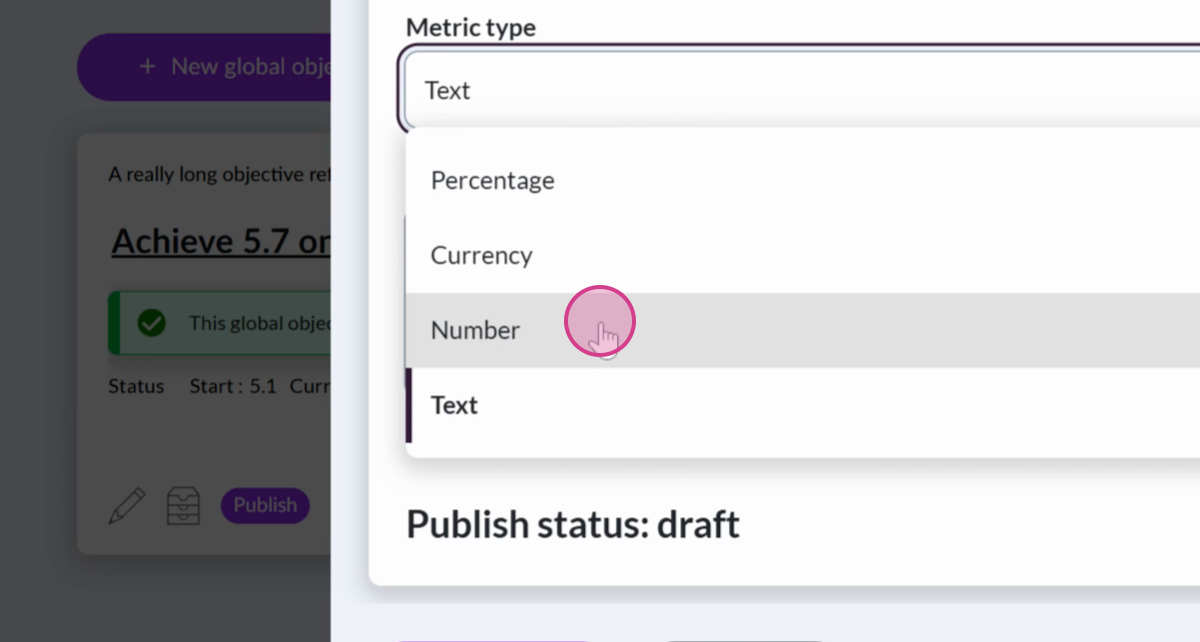
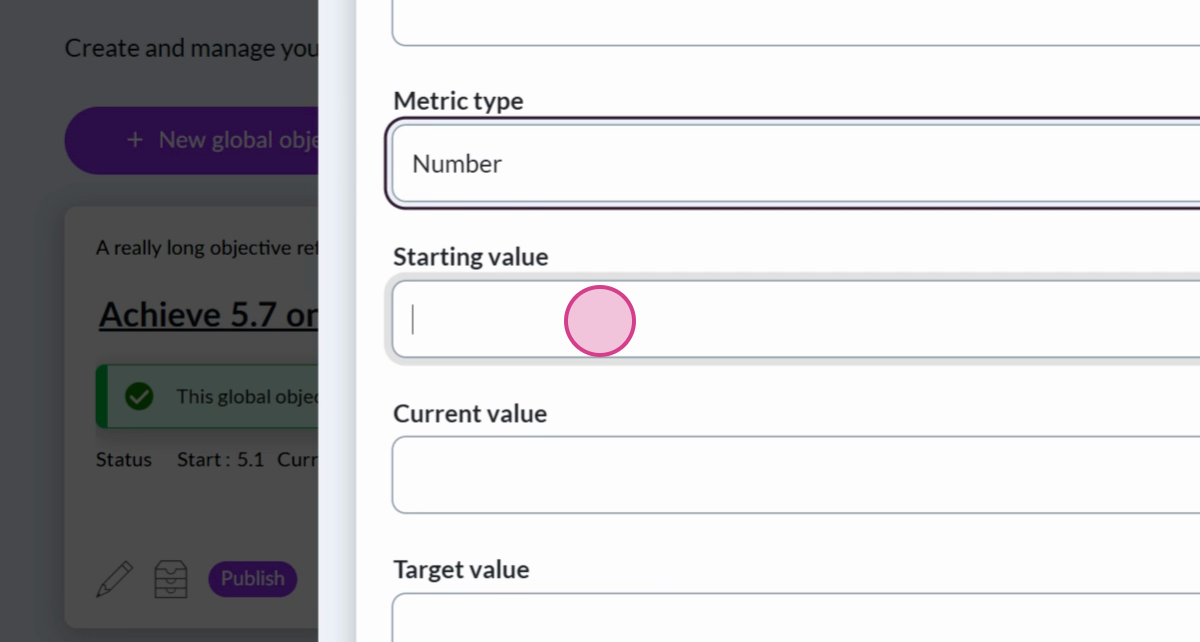
Select the metric type to measure progress towards achieving the global objective. Choose between percentage, currency, number, and text. For this example, we're aiming to increase a survey response metric, so we'll select the Number metric:
- Add the starting value and target value for the global objective:
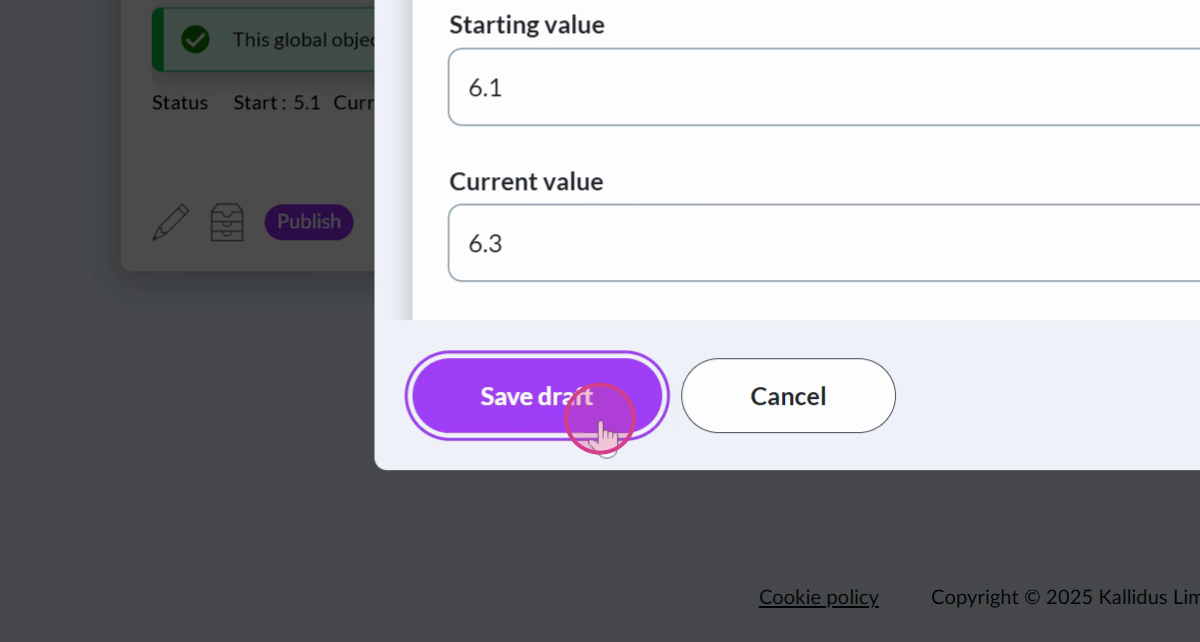
- Once you're satisfied, select Save Draft:
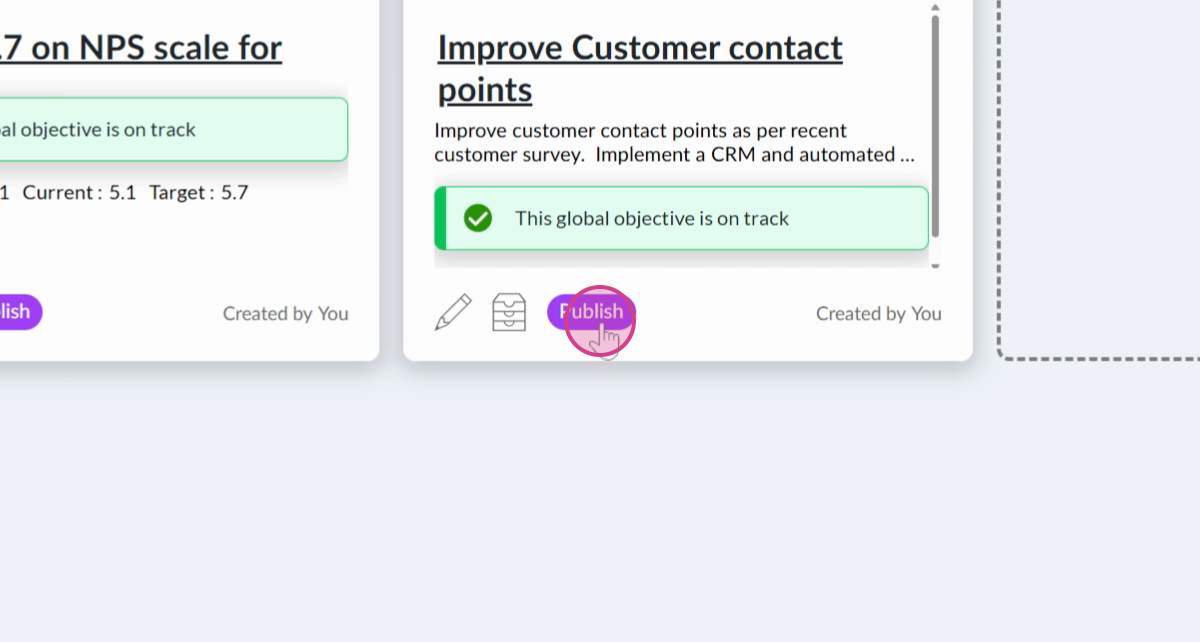
- Your global objective will appear within the Drafts tab. When you're ready to share it with your organisation, select Publish:
For more information about publishing global objectives, view publish and share with your people.
Ask the Community🤝
Want to connect with peers and hear how they are using Objectives in their organisation? Our customer Community is a great place to get quick, relatable advice - so jump in, ask your question, and learn from the wider customer Community.
Get deeper learning in The Academy🎓
The Academy provides structured learning paths you can follow at your own pace, along with live events where you can connect with the Kallidus team and fellow learners. If you're ready to dive deeper into Objectives, here's some relevant content to get you started:
Don't have your account yet? Contact the Customer Support Team to activate your free account.