
In this article, we'll show how to give a User permission to create and manage Skills With this permission granted, a User will have access to all Skills functionality in Learn admin, including
- Create and manage the Skills library
- Tag lessons with skills (manually and using AI)
- Enable the AI skills features
- Create Skills profiles
- Configure skills levels and targets for skills
- Add skills directly to a user
Watch this short video, and follow the steps below:
Steps to give a User permission to create and manage Skills
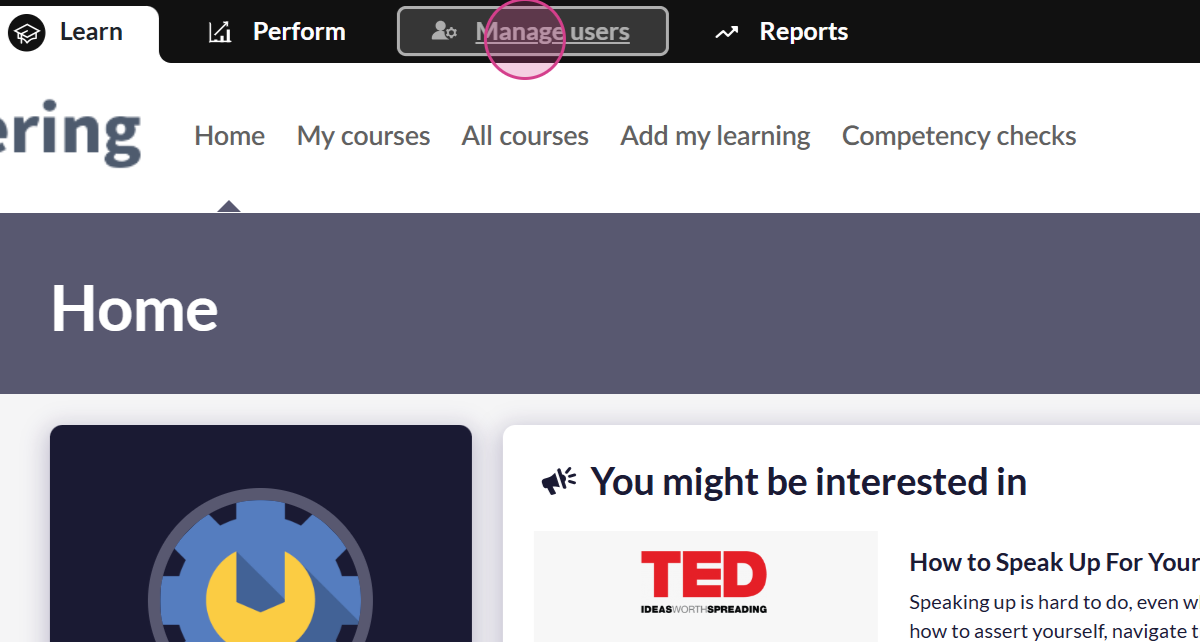
1. Browse to the Manage Users section:
2. Find the User you want to edit
3. For the selected User, select Actions:
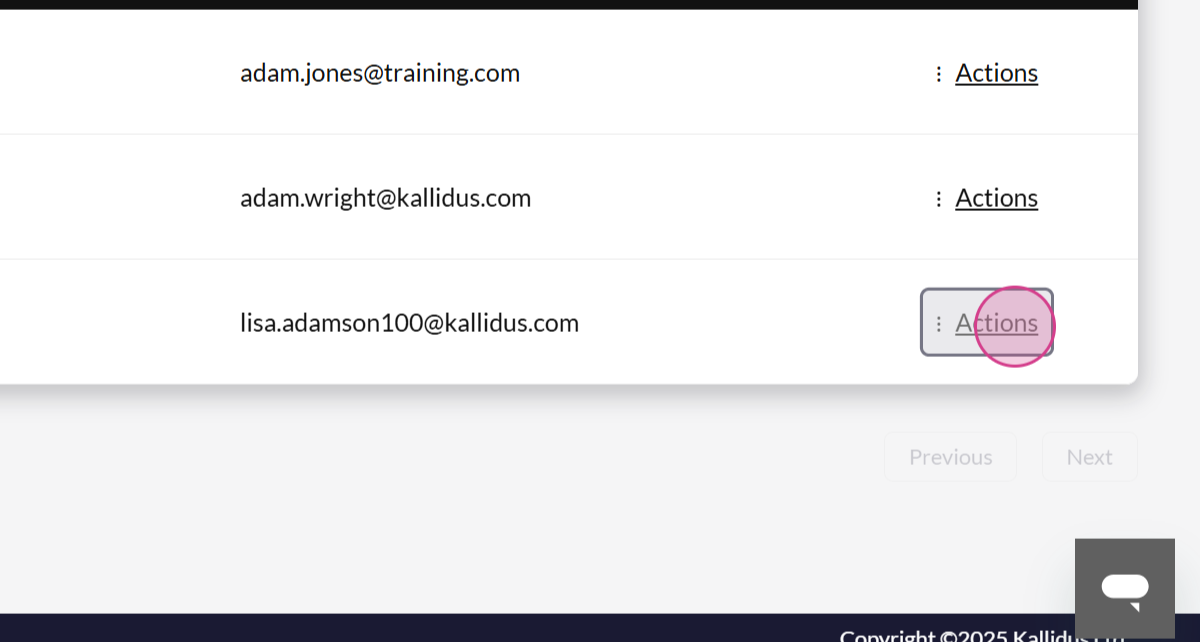
4. Select Edit
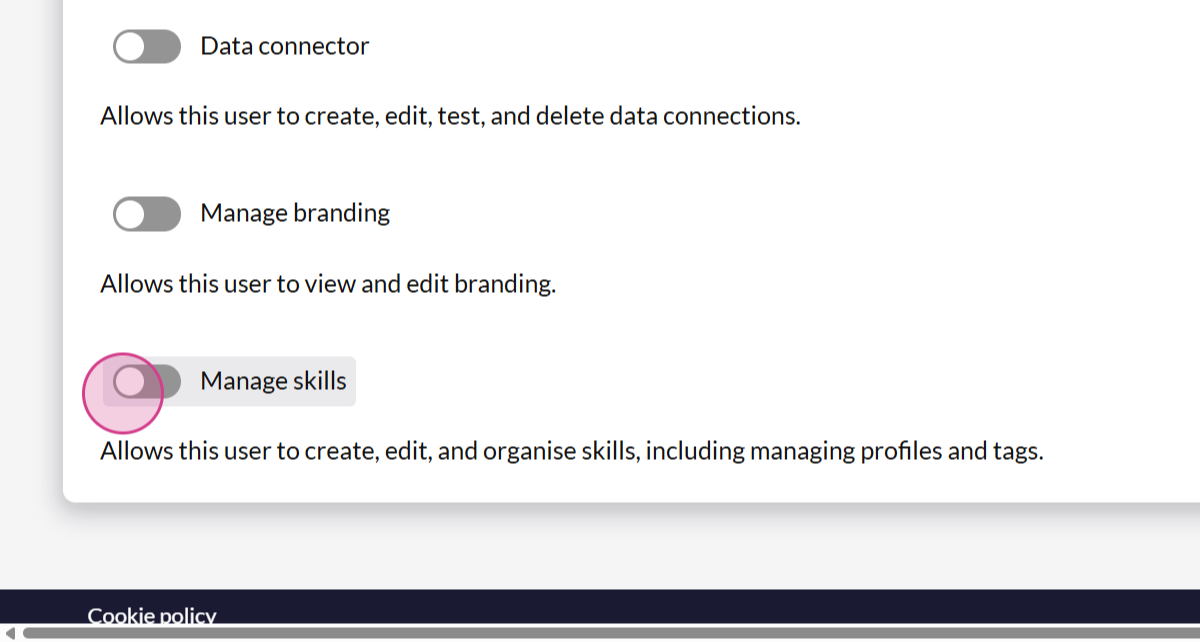
5. Scroll to the bottom of the profile page to access all optional settings.Toggle Manage Skills to 'On':
Ask the Community🤝
Want to connect with peers and hear how they are using skills in their organisation? Our customer Community is a great place to get quick, relatable advice - so jump in, ask your question, and learn from the wider customer Community.
Get deeper learning in The Academy🎓
The Academy provides structured learning paths you can follow at your own pace, along with live events where you can connect with the Kallidus team and fellow learners.
If you're ready to dive deeper into Skills, here's some relevant content to get you started:
- Skills Readiness Journey ebook
- Scaling Skills: From quick wins to future-ready workforce
- Skills: Basics, buy-in, and getting started
Don't have your account yet? Contact the Customer Support Team to activate your free account.