
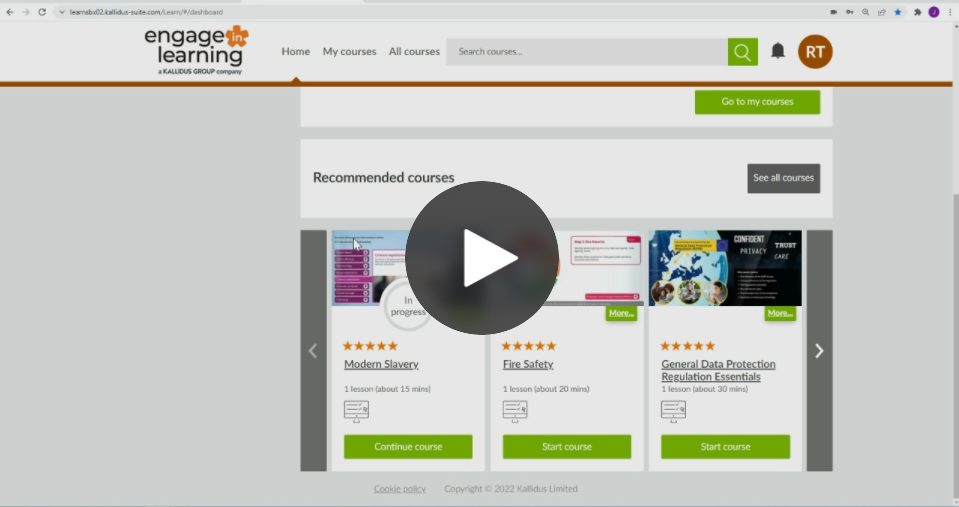
In this article, we include a video explaining how to personalise Courses using the Course Editor. This can help reflect your organisation's brand and add industry or organisation-specific information.
Administrators will use Editor to make changes that align with their business's brand identity or to include new information that adds value to Course learning.
Important: The video shows how Editor is used only for Kallidus Courses that have yet to be upgraded to the new responsive player.
For information about using Editor for responsive player Courses, see this article 'Off the Shelf - Editor guide (responsive player)'.
If you want additional information about the responsive player, see our FAQs.
For further assistance, please reach out to the Kallidus Support team.
Select this link for information about how to contact the Customer Support team, such as team opening hours, live chat, and raising a support ticket.
To access Off the Shelf eLearning product updates, helpful articles, guides and tutorials visit the Knowledgebase.
Ask the Community🤝
Want to connect with peers and hear how they are using Off-the-shelf content in their organisation? Our customer Community is a great place to get quick, relatable advice - so jump in, ask your question, and learn from the wider customer Community.