Kallidus tip: How can I batch edit users?

Hello customer Community! 👋
Have you ever needed to make a change to the organisational or optional information for a group of users? This tip shows you a way of doing this in bulk, instead of making the change one by one.
The users must all be in a group and this must not be a primary group.
- Go to the group
- Select ‘Members’ from the side menu
- Select the users you want to update (or ‘select all’)
- Select ‘Submit’
-
The ‘Batch edit’ button will become available
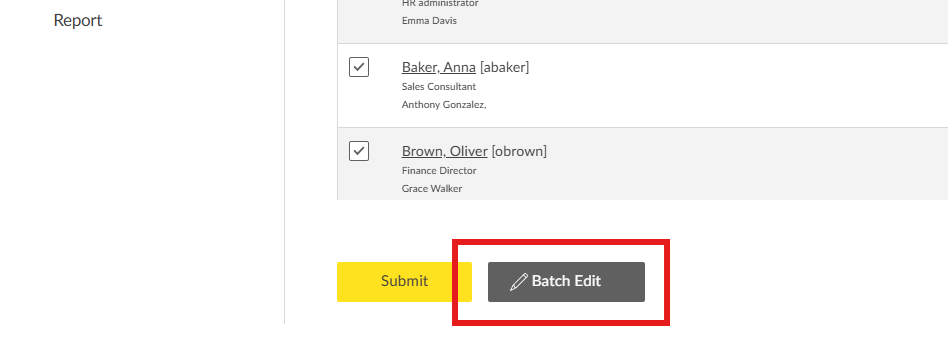
You can now make updates to this group of users and select ‘Submit’

Search Kallidus tip in the Community for more helpful hints from the Kallidus team.
0
Please sign in to leave a comment.
Comments
0 comments