How do you manage reminder emails? Ideas from the community

The third event in our Learning at Work Week series was on reminder emails. Lots of ideas were shared about how to ensure that notifications are effective - some of which I've captured here:
We started with some polls first:
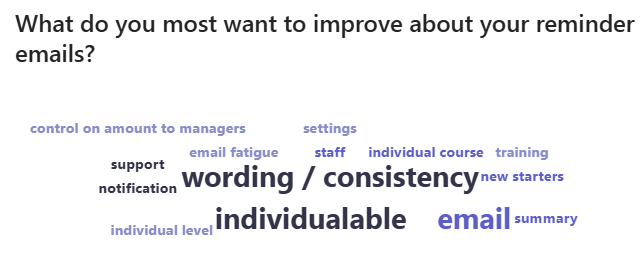

Then we looked at how reminder emails feed into business outcomes, using the four pillars: Risk, Retention, Productivity and Revenue. Risk was a key driver, as notifications are key to get learners compliant. Having clear communication in notifications can also impact on productivity and therefore revenue.
Here are some top tips from the call:
- Refer to the Knowledgebase article when making any changes - this will help with the variables, which are different in different templates and with the different places you can configure each email.
- Having a longer period to between the first notification and the expiry date can reduce email fatigue and make it more likely to be completed before the deadline.
- Engaging with managers can reduce the number of reminder emails needed. Encouraging managers to regularly check their My Team dashboard to ensure their team are compliant is key.
- Another option is to give managers access to view their team in Reporting and set up a weekly automated report reminder to see if any team members are not up to date.
- Consider which email to use for your notifications. A no-reply email can mean that responses are lost or learners are unsure of how to contact you. However, using a personal email address can mean a lot of traffic sent to your inbox.
Do you have any questions or suggestions for how you manage your notifications?
0
Please sign in to leave a comment.
Comments
0 comments