Add a custom sort to your LEARN catalogue

Have you ever wanted to put a specific catalogue at the top of your all-courses page?
This is how!
Your catalogues are sorted alphabetically, so if you start the catalogue with a leading space ' ' and then the catalogue name, for example ' New courses', this will then show a the top of the all courses screen.
The leading space is not displayed to the users.
If you want more than one catalogue to jump to the top of the list, try adding some more spaces to create a hierarchy. The more spaces the higher up the sort order the catalogue will go.
Another alternative is to use the Emoji's...
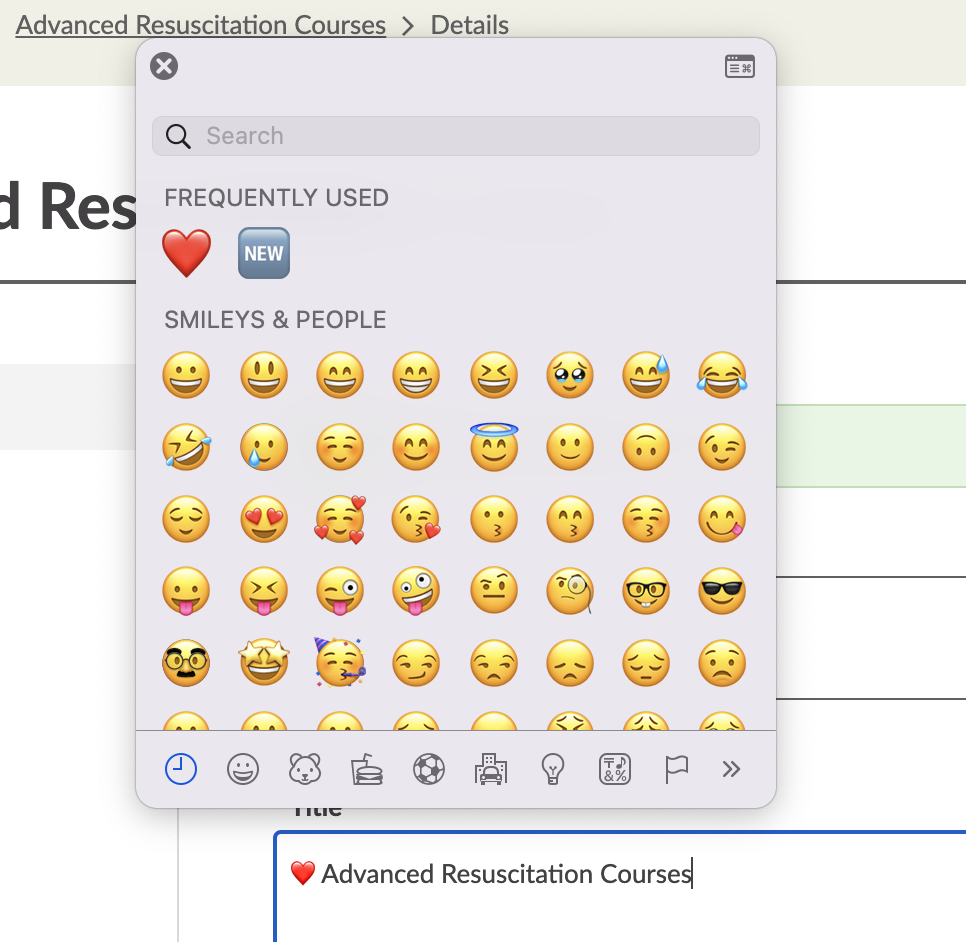
right-click on your catalogue name to open the menu for emojis and then select the one you want - this will have the same impact on the sort order as a space.
-

This is great - knew about the spaces trick but hadn't considered the use of an emoji. The problem I find is everybody feels their catalogue deserves to be at the top! I know we can promote courses, I wonder is it possible to promote catalogues?
0 -

I love the idea of using emoji's, they can really help differentiate Catalogue titles. You can also use them in Course and lesson descriptions, just select Windows + . to see your emoji menu.
Alison Perry it's not currently possible to promote a Catalogue, so please do add the suggestion to Airfocus. Do you know how to share a link to a curated list of courses? Perhaps an alternative way to share a link to a specific selection of courses?
0
Please sign in to leave a comment.
Comments
2 comments